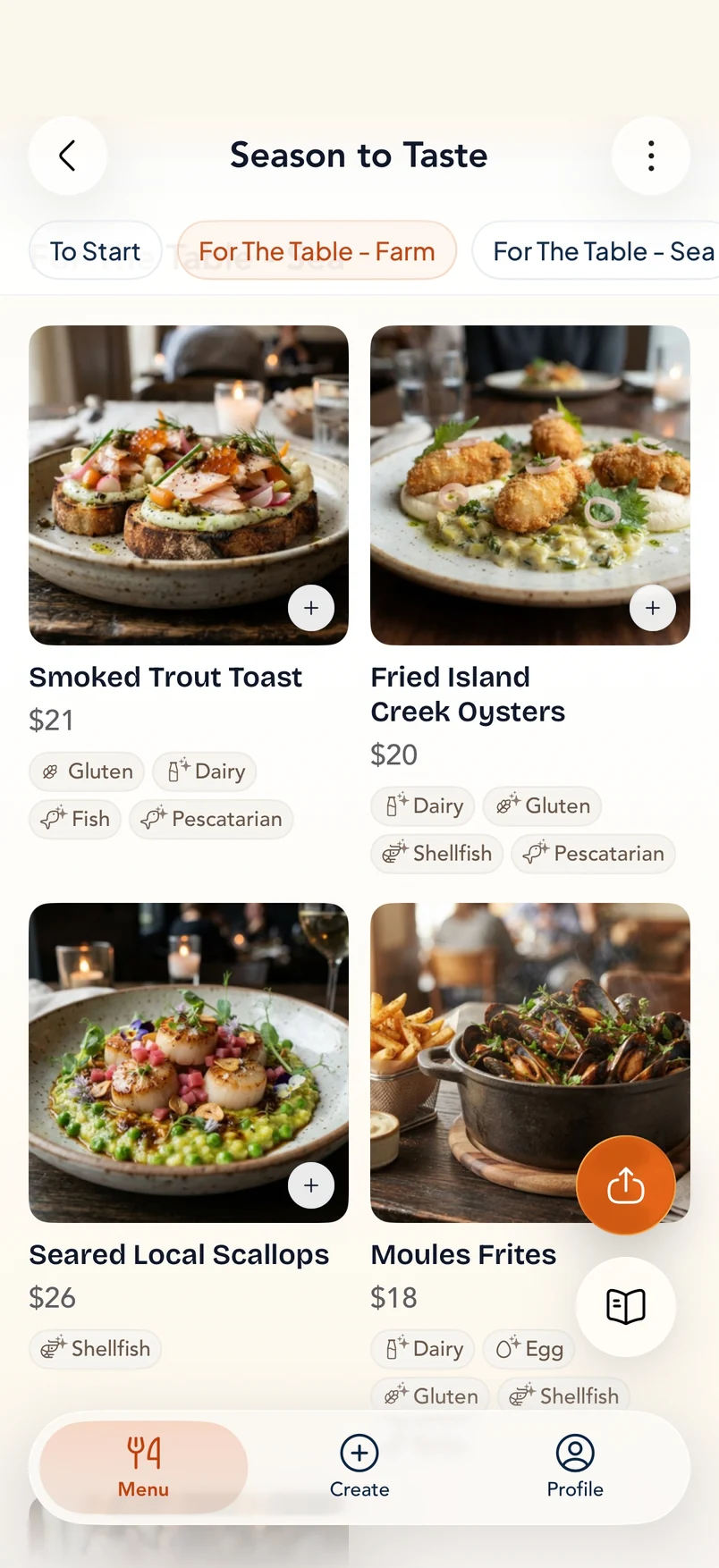



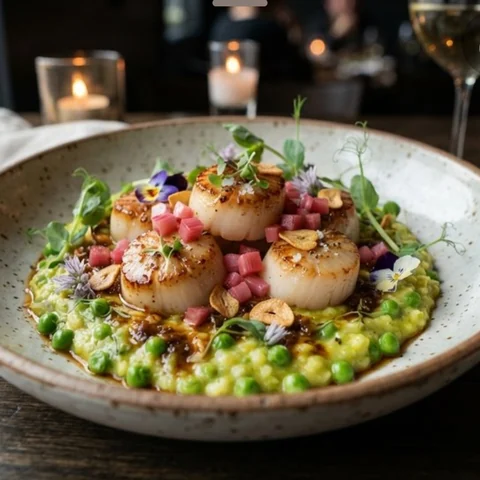
Seared Local Scallops
$26Pan-seared scallops over creamy English pea rice porridge, pickled rhubarb, country ham sauce, crispy garlic.
Shellfish500 kcal
Top pick · the kitchen’s showpiece

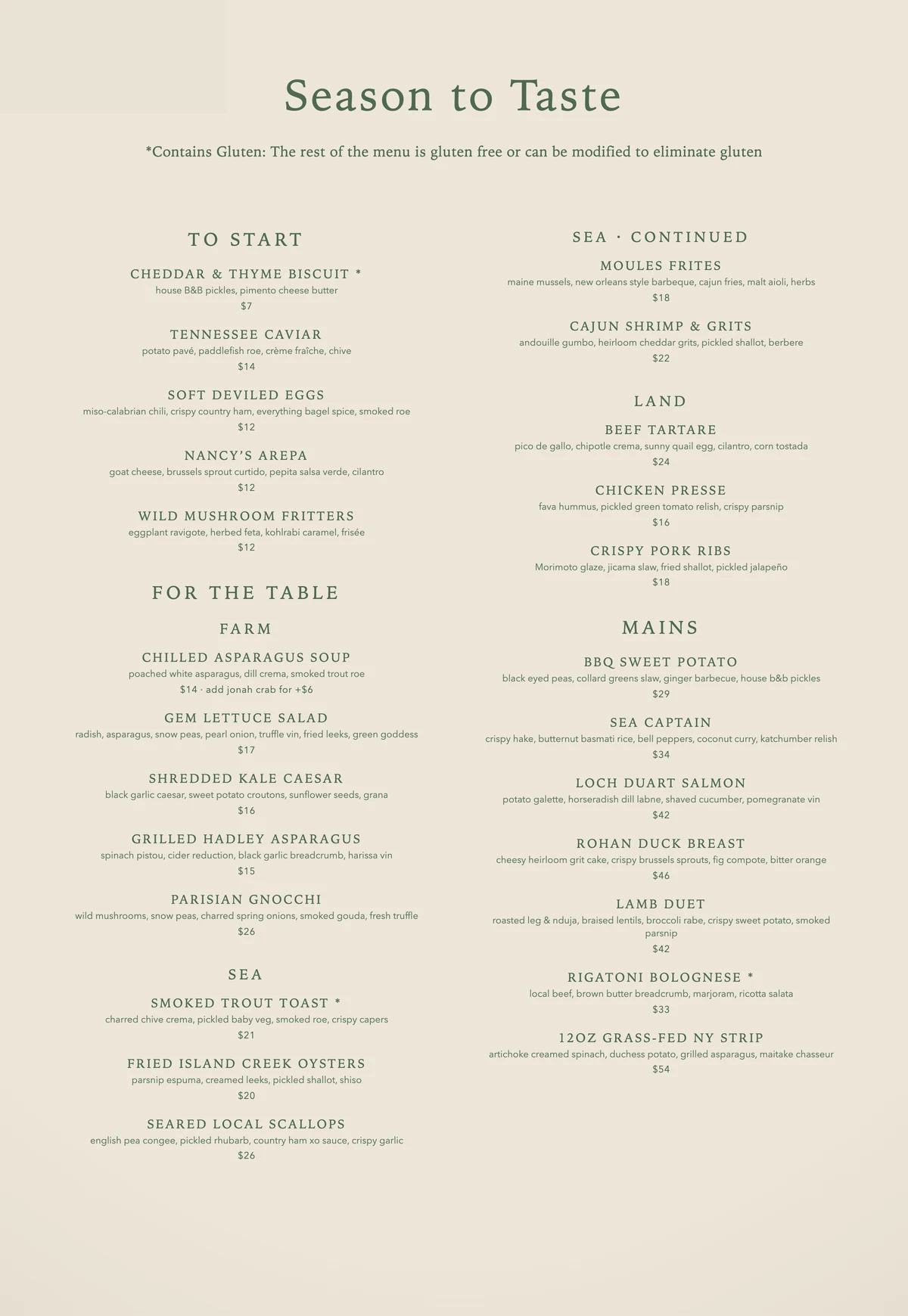
SeEat is a menu app that tells you what to order. Photograph any menu — printed, handwritten, or in a language you do not read — and every dish comes back with a picture, a description, and its allergens and price.
Google Play · Android — coming soon…
Open real visual menus and see how translated dish cards look in practice — each dish with how it is cooked, an estimated calorie count, and taste tags.

Chilled silken tofu topped with bonito flakes, fresh scallions, ginger, and a light citrus-soy sauce.

Steamed soybeans tossed in butter, savory shio tare sauce, spicy togarashi seasoning, and topped with bonito flakes.

Thinly sliced burdock root and carrots sautéed in a sweet soy sauce and garnished with sesame seeds.
Guides by cuisine, technique and diet: what to order, how it is cooked, and what to skip — before the menu is even in your hands.
Seasonal small plates, steakhouse cuts and what "farm to table" actually puts on the plate.
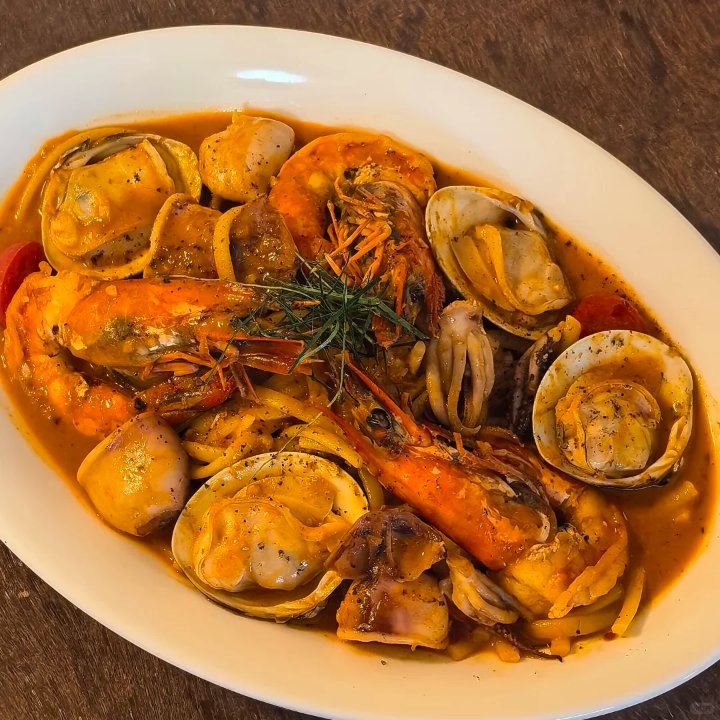
Crudo, cotoletta, the pasta shapes and which courses a table is expected to share.
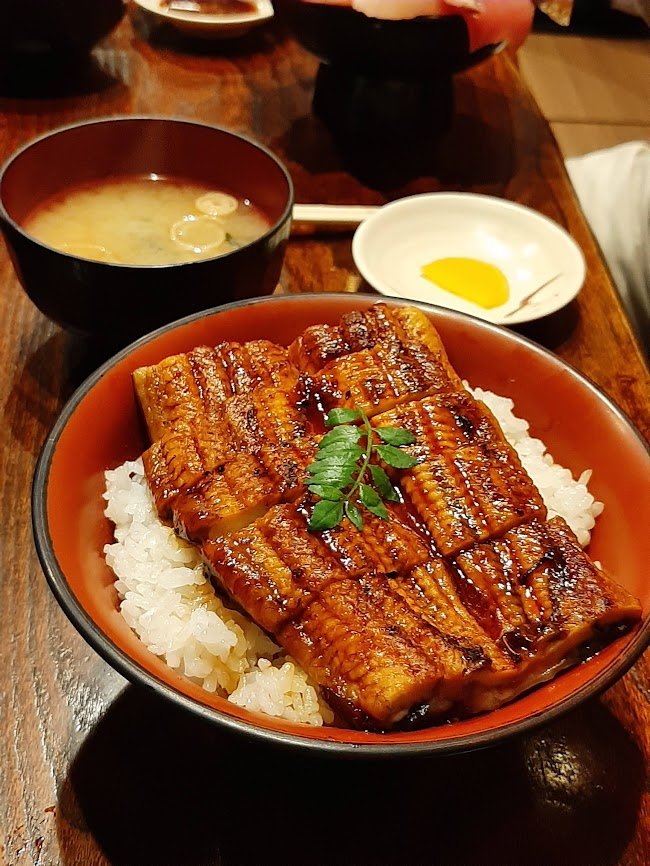
Izakaya menus, donburi, and the handwritten specials board, read line by line.
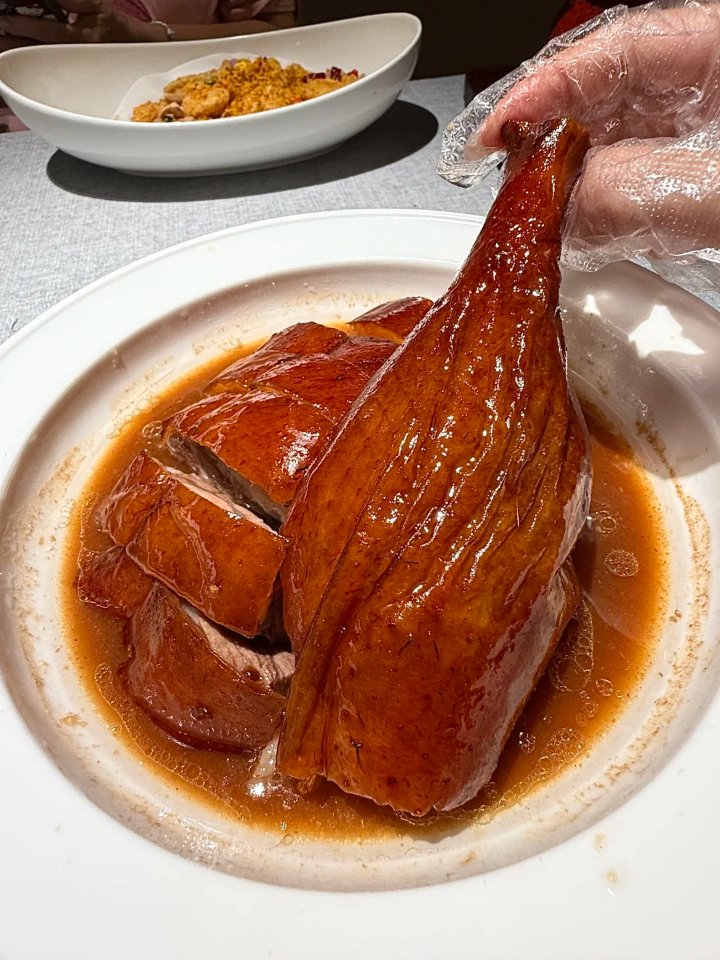
Roast goose, dim sum and homestyle stir-fries — what each is and how it is cooked.
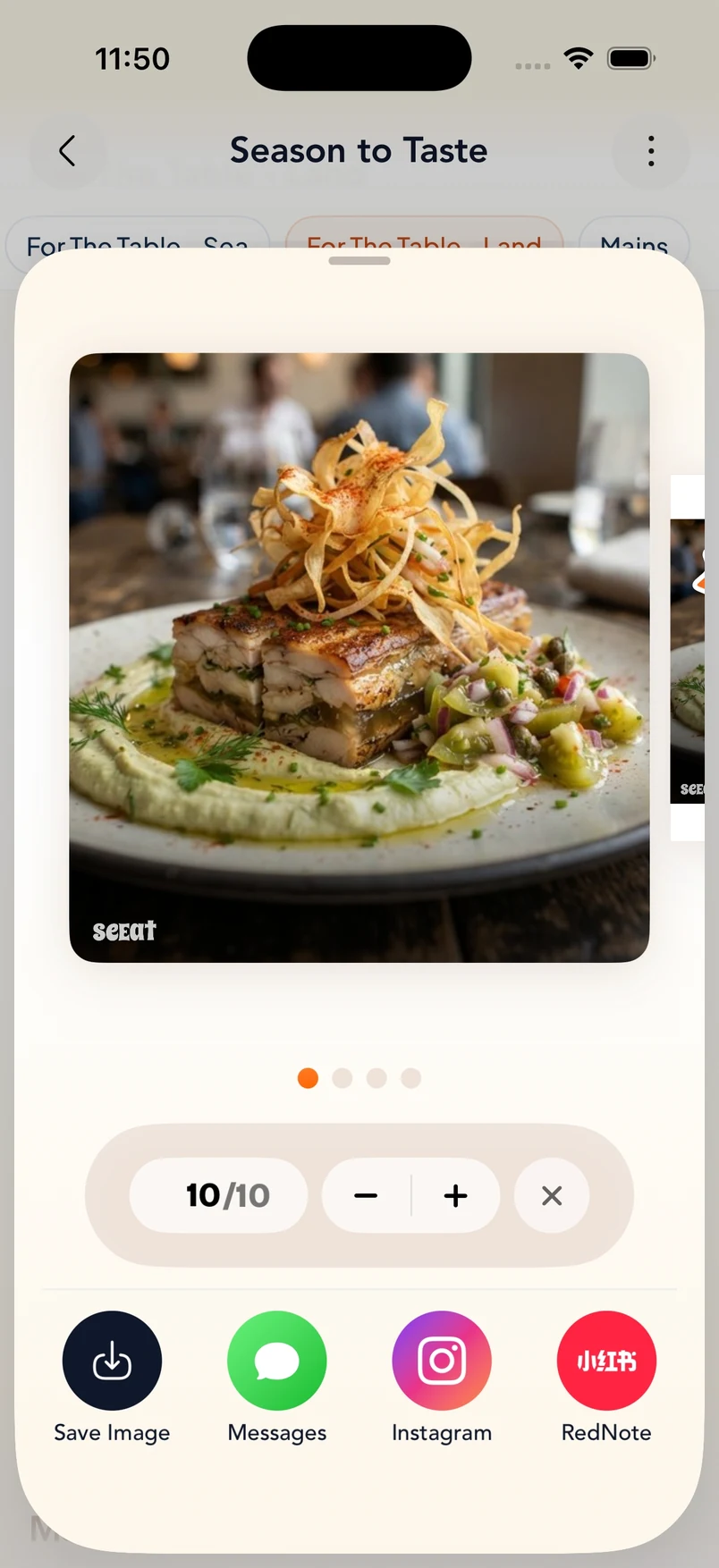
Every menu SeEat creates gets its own link and QR code. Send the link or let someone scan the code, and it opens straight in their browser — the full visual menu, no app install and no account required.
An honest look at SeEat, Google Translate, Google Lens, and asking staff at the restaurant.
| SeEat | Google Translate | Google Lens | Asking staff | |
|---|---|---|---|---|
| What you get | Photo, translation & description per dish | Translated text overlay | Translated text overlay | A quick verbal explanation |
| See what the dish looks like | Yes, an AI photo of every dish | No | No | Only if photos are available |
| Explains what is in the dish | Yes, a short description | No | No | Sometimes |
| Translation | Yes, English and Chinese output | Yes | Yes | Depends on language |
| Dietary tags & price conversion | Yes | No | No | No |
| Best for | Deciding what to order | A quick literal translation | A quick literal translation | Asking one-off questions |
If you only need the literal words translated, Google Translate or Google Lens is free and instant, so use them.
If you can ask the restaurant staff and share dietary restrictions clearly, a human explanation can be best.
If you want to see what a dish looks like and understand what is in it before ordering, use SeEat.
Real ratings and reviews from people using SeEat for unfamiliar menus, international travel, dietary needs, and visual ordering.
“Such a useful app, especially when traveling! You can simply take a photo of a menu and it helps you understand what each dish is and even visualize what it might look like. I love that you can also set allergies and dietary restrictions so they are flagged while you browse. The interface is cute, clean, and very easy to use. It makes ordering from an unfamiliar cuisine or a menu in another language much less intimidating.”
Zivazzzz
“If you are the type of person who needs visualization to make food order decisions, this is a must-have app! Very simple to use; it takes 5 seconds. It can also translate into different languages, so it's perfect for traveling to other countries. Would recommend!”
Elikepeka S.
“I have been struggling for ordering for a while this is life saver😍”
Nora661
“Never guess what you are ordering. I get real reference now!”
Ticnhdnighjjj
“Fun to use! Could be super helpful when traveling abroad.”
ccm1206
“Easy to use… Help me a lot to follow the diet recommended by my cardiologist”
Alex-a traveller
“It can not only scan any menu that you encountered, but also scan the ingredient page that you can find on all sorts of packaged food and the AI works surprisingly well.”
EdlynYum
“Amazing APP! It uses AI to instantly scan restaurant menus, translate them into my preferred language, and even generate realistic images of each dish so I know exactly what to expect before ordering. Highly recommended!”
yifsun
“As an international student, I often find it hard to read menus in Spanish, Italian, and sometimes even English. This app helps me read menus and order quickly—and it even shows nutritional info for each dish! Love it!”
VeniceB***h
“Great tool, easy to use and have personalized features setting, love it and tried lots of time, great experience!”
Zhou zhiliang
“As an enthusiastic foodie, this tool perfectly solved my pain point of not knowing what to order when reading a foreign menu. Also comparing to the pictures generated by other major tools like ChatGPT or online photos appeared at Google search, the pictures are lot more accurate. Love it! Will be more incredible if further integration with ordering apps available.”
Eason-forever-loved
Upload a restaurant menu and see the dishes worth ordering — with photos, translations, and details — in a few moments.
See what to order